
Feeder colonies & inventory
Track feeders you breed or buy, deduct stock when you feed, and log breeders, pairings, and colony events.
Feeder colonies & inventory
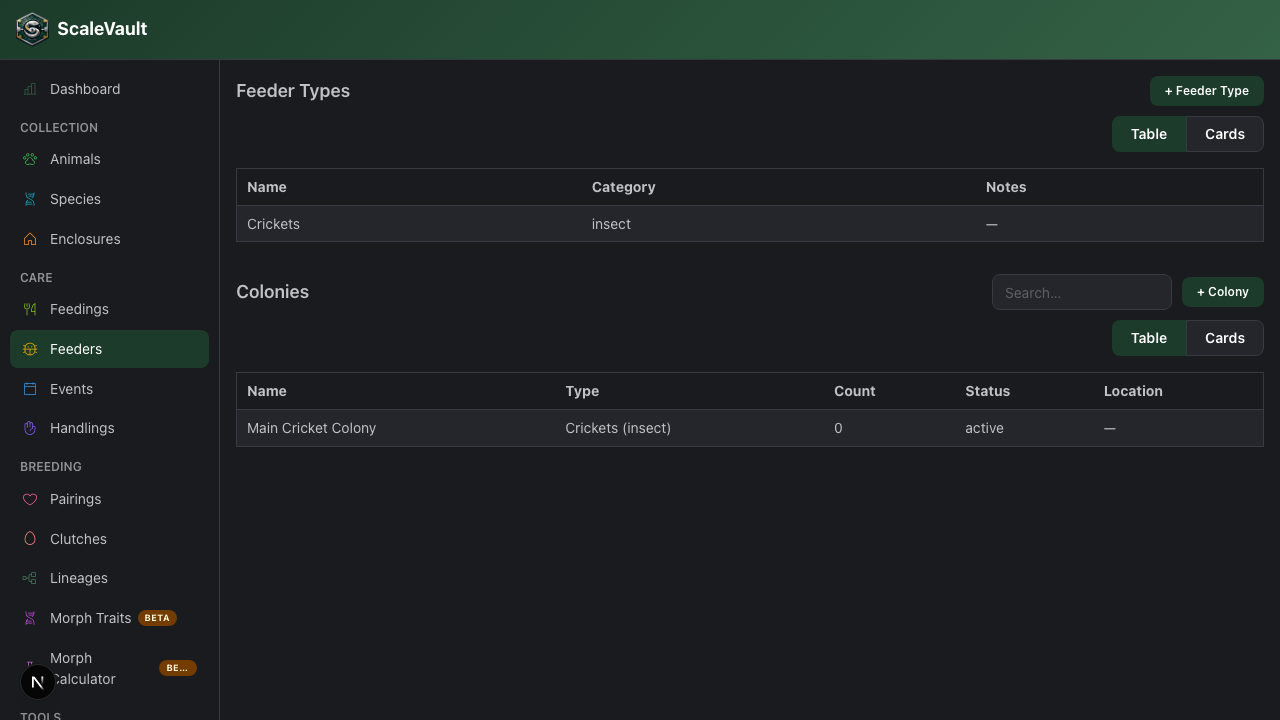
Available on Adult and above. Go to Feeders in the main navigation.
Feeders let you track your prey stock alongside your animal collection, whether you breed it yourself or buy it in, so you always know what you have on hand.
Colonies and inventory
The Feeders page has two sections:
- Colonies are feeders you breed yourself (e.g. "Dubia roaches, Bin A"). Colonies can have breeders and pairings, and an optional Track individuals toggle.
- Inventory is stock you buy (e.g. "Frozen adult mice"). Inventory entries don't have breeders, pairings, or individual tracking, so you only see the fields that matter for purchased stock.
Use + Colony or + Inventory to add an entry to the matching section. Each entry has a name, a location, an estimated count, a status (Active, Paused, or Retired), and notes. Each section has its own search, sort, and filters, and shows a quick count at a glance.
An entry stays in the section you created it in.
Breeders & pairings
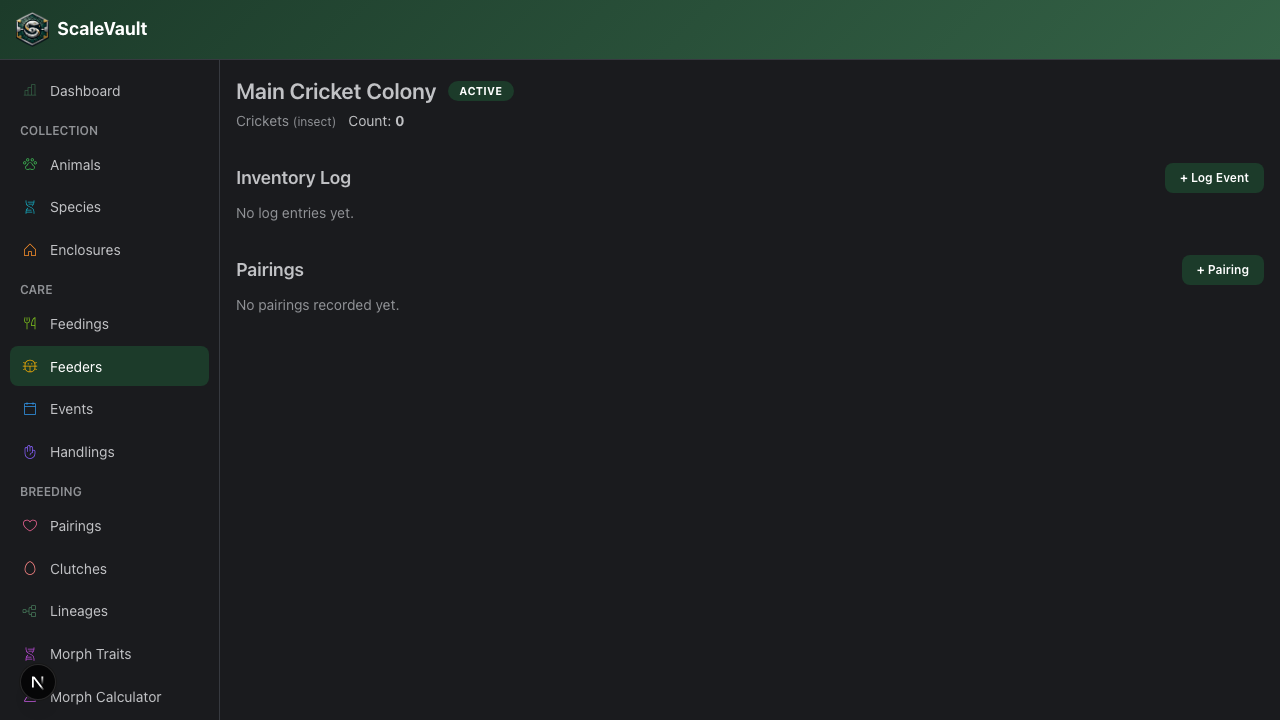
Breeders and pairings are for colonies only. Within a colony you can designate individual breeder animals, then log pairings between them, including litter size and a COI (coefficient of inbreeding) estimate per pairing. This is useful for maintaining genetic diversity in larger roach or rat colonies.
Colony event log
Click + Log Event on a colony or inventory entry to record a change to its count:
- Added — new stock brought in
- Removed — feeders taken out for other reasons (sold, given away, discarded)
- Bred — a litter born within the colony
- Died — losses
- Counted — set the colony's total to an exact recount
Feedings that deduct from a colony show up in its log as Fed, so you don't need to log those yourself.
Each entry records a quantity and optional notes, giving you a running log of what happened to the stock over time. Counts never go below zero.
Linking feeders to feedings
When logging a feeding, pick a colony or inventory entry in the Feeder Colony field. You don't always need to: if you enter a single food item whose name matches exactly one colony or inventory entry, it's selected for you. This works for single-animal feedings and for Feed enclosure.
When a colony is selected, Deduct from inventory is ticked by default. Leave it ticked to subtract the amount fed from that entry's count. The deduction is logged as a Fed event. Some details:
- Stock is only deducted when Ate? is ticked. A refusal doesn't use up a feeder.
- The amount is rounded to a whole number. A blank amount counts as 1.
- If the amount is more than what's in stock, the count drops to zero and only what was actually in stock is logged.
- Editing a feeding's amount, Ate?, or colony puts the old deduction back and applies the new one. Deleting the feeding puts the stock back. Both show up in the log as correcting entries, so the history is never rewritten.
- The deduct option is only shown when you create a feeding. Editing a feeding keeps whatever deduction it already has.
- Feedings logged from Home Assistant don't deduct stock yet.
Tips
- Give inventory entries names that match what you type as the food item (e.g. "Adult mouse"), so feedings link to them automatically.
- Use the notes field for anything you want staff to see at a glance, like a reorder threshold.
- Use the event log as a sanity-check against your feeding logs — if numbers don't match, a feeding (or a removal) may not have been logged.