
Lineages & COI
Family trees and the coefficient of inbreeding.
Lineages & COI
Available on Colony plan and above.
ScaleVault automatically calculates ancestry whenever sire and dam fields are populated. From that it derives:
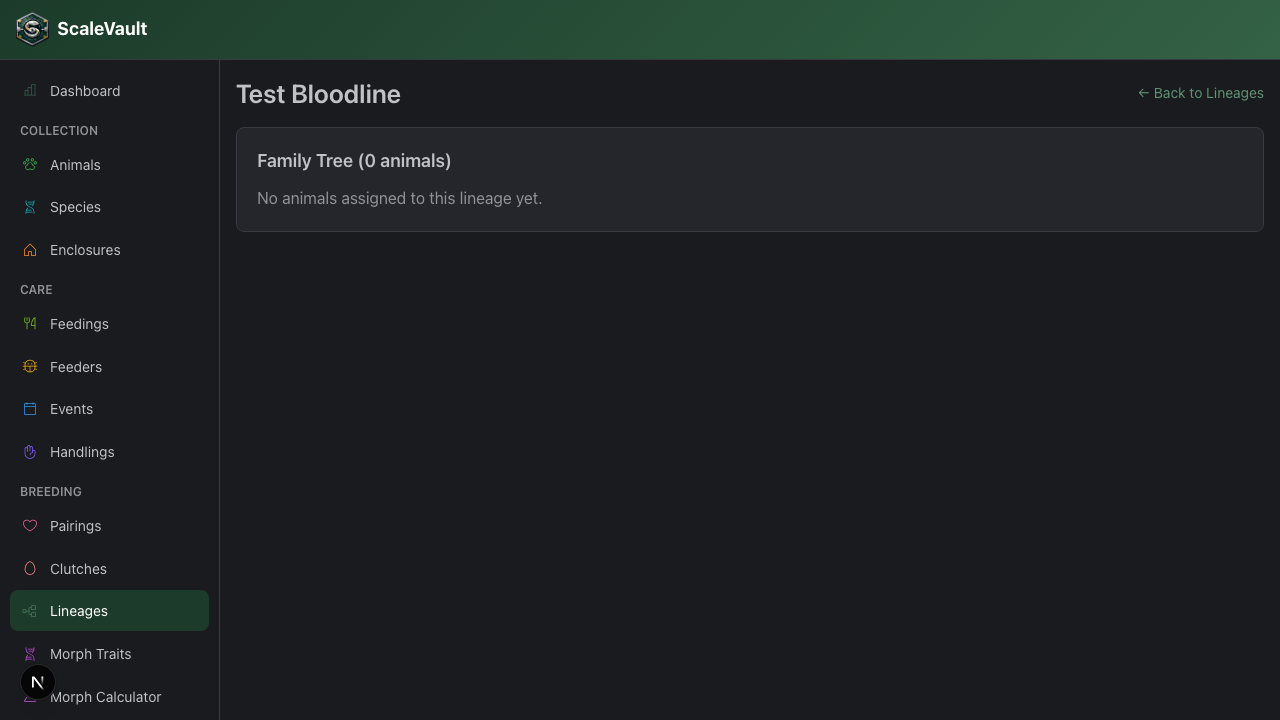
- A visual lineage tree rooted at any animal you mark as a founder.
- A COI (coefficient of inbreeding) for each animal whose ancestry it can resolve.
Setting up a lineage
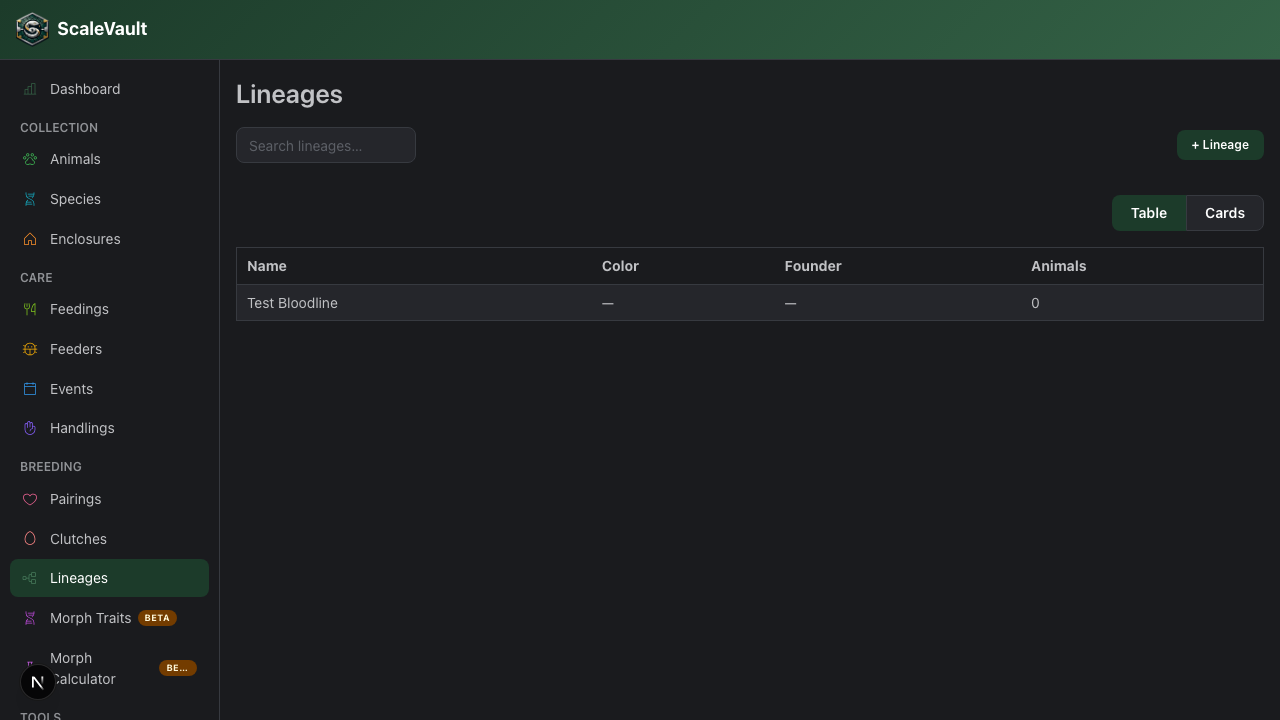
Go to /lineages → + New lineage. Pick a name (often
a project or morph name like "Coral Glow Project") and a founder
animal. The lineage page renders descendants downward.
You can pick a color for each lineage; it tints the lineage badge on animal cards and tables.
Coefficient of inbreeding (COI)
COI is the probability that two alleles at a random locus in an individual are identical by descent — a number between 0 (no shared ancestry) and 1 (clones).
ScaleVault uses the path-counting method (Wright, 1922). It only considers ancestors it can find in your data — animals not in the system are treated as unrelated. So COI gets more accurate as you fill in pedigrees.
Any animal with a nonzero COI gets a COI badge on cards and tables, color-coded by severity — green below 6.25% (low), yellow from 6.25–12.5% (second-cousin-equivalent), orange from 12.5–25% (first-cousin-equivalent), and red at 25% or above (full-sibling/parent-offspring-equivalent) — so you can spot closely related animals at a glance.
Practical use
- Avoid back-crosses by checking proposed pairings against the lineage tree first.
- Plan outcrosses — bring in unrelated animals to drop COI in your next generation.
- Sales transparency — public profiles can optionally show the lineage badge.
Limits
- COI only counts ancestors known to ScaleVault. Imported animals with no parent records show COI = 0 even if they're inbred.
- If two ancestors share the same name but are different animals, you must give them distinct records or COI will be wrong.