
Offline mode & PWA install
How to install ScaleVault on your phone and use it without an internet connection.
Offline mode & PWA install
ScaleVault is a Progressive Web App (PWA). You can install it on your phone or tablet's home screen and use it like a native app — including when you have no internet connection.
Installing on your home screen
iOS (Safari): tap the Share button → Add to Home Screen → Add.
Android (Chrome): tap the three-dot menu → Add to Home Screen, or accept the install banner if it appears.
Once installed, ScaleVault opens full-screen without a browser address bar, and the offline data layer activates automatically.
What gets cached
When you open the app (online), ScaleVault performs a full sync in the background, downloading all your data into local storage on the device:
- Animals, enclosures, species
- Feedings, events, handlings, sheds, weight logs
- Clutches, pairings, lineages
- Medications, feeder colonies
- Dashboard summary
Data is stored in the browser's IndexedDB. Subsequent app loads trigger a fast incremental sync (only records changed since the last visit). The app also re-syncs automatically every 5 minutes while you have a connection, and again whenever connectivity is restored.
Using the app offline
Once data is cached, the following pages load from your device even with no internet:
| Section | Available offline |
|---|---|
| Animals list & detail | ✓ |
| Enclosures list & detail | ✓ |
| Feedings list | ✓ |
| Events, handlings, sheds, weight logs | ✓ |
| Species | ✓ |
| Dashboard | ✓ |
| Clutches, pairings, lineages | Read-only ✓ |
| Breeding, medication, billing actions | ✗ (need connection) |
A sync status bar appears at the top of the screen while offline, showing how many actions are waiting to sync.
Logging records offline
You can add new records even without a connection for these types:
- Feedings — food offered, eaten, date
- Events — health and care events
- Handlings — session duration and notes
- Weight logs — measurements
- Sheds — shed quality records
These records are saved locally in an outbox. A badge on the toolbar shows the number of pending items. When your connection returns, the outbox syncs automatically. You can also tap the outbox indicator to review or delete pending items before they sync.
Note: edits and deletes cannot be queued offline — only new record creation is supported. Other sections (pairings, clutches, medications, enclosure cleanings, etc.) require a live connection.
Troubleshooting
Data looks outdated — pull down to refresh, or navigate away and back to force a re-fetch. If still stale, check your connection and wait for the background sync to complete (usually within 30 seconds of coming online).
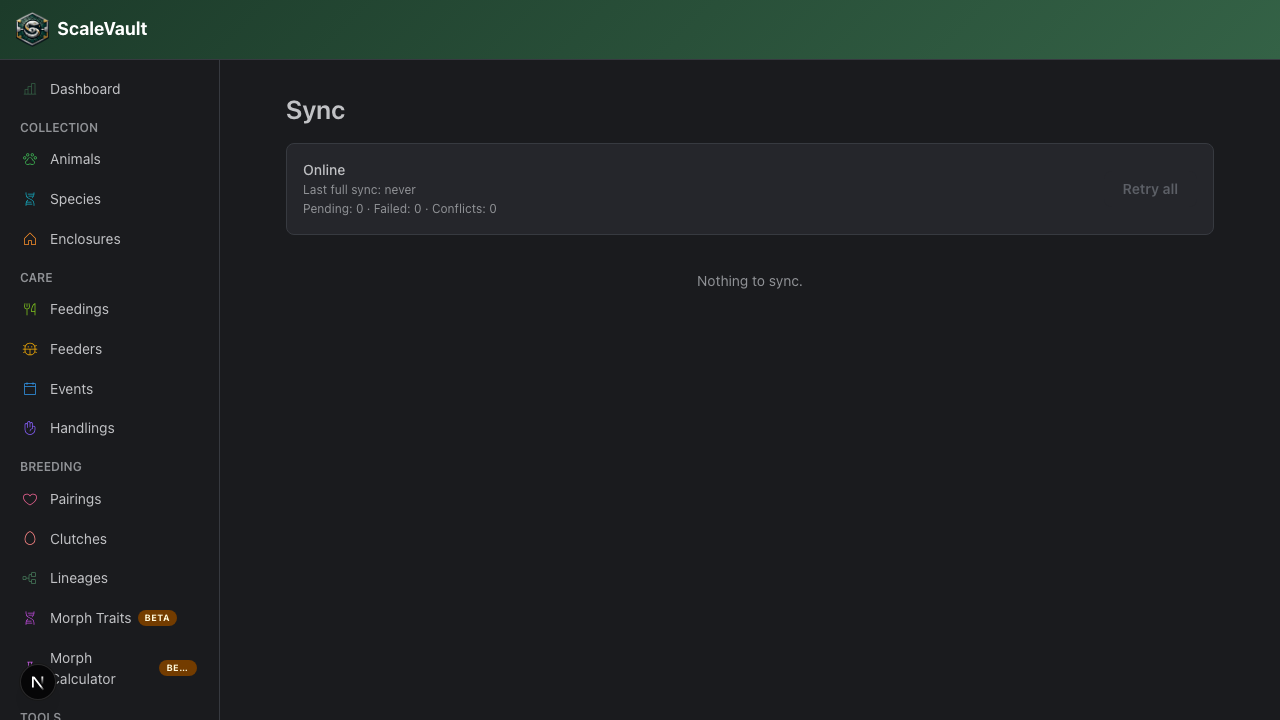
Offline records not syncing — open the outbox drawer from the toolbar, or go to Settings → Sync for a full-page view of pending, failed, and conflicting items. Conflicts happen when the server has a newer version of a record than your local queued change; you can discard the local copy to defer to the server, retry all, or discard individual entries. If a record fails repeatedly, delete it from the outbox and re-enter it while online.
App won't install on iOS — make sure you are opening ScaleVault in Safari specifically; iOS only supports PWA install from Safari.