
Notifications & support
The in-app notifications inbox, and how to reach support.
Notifications & support
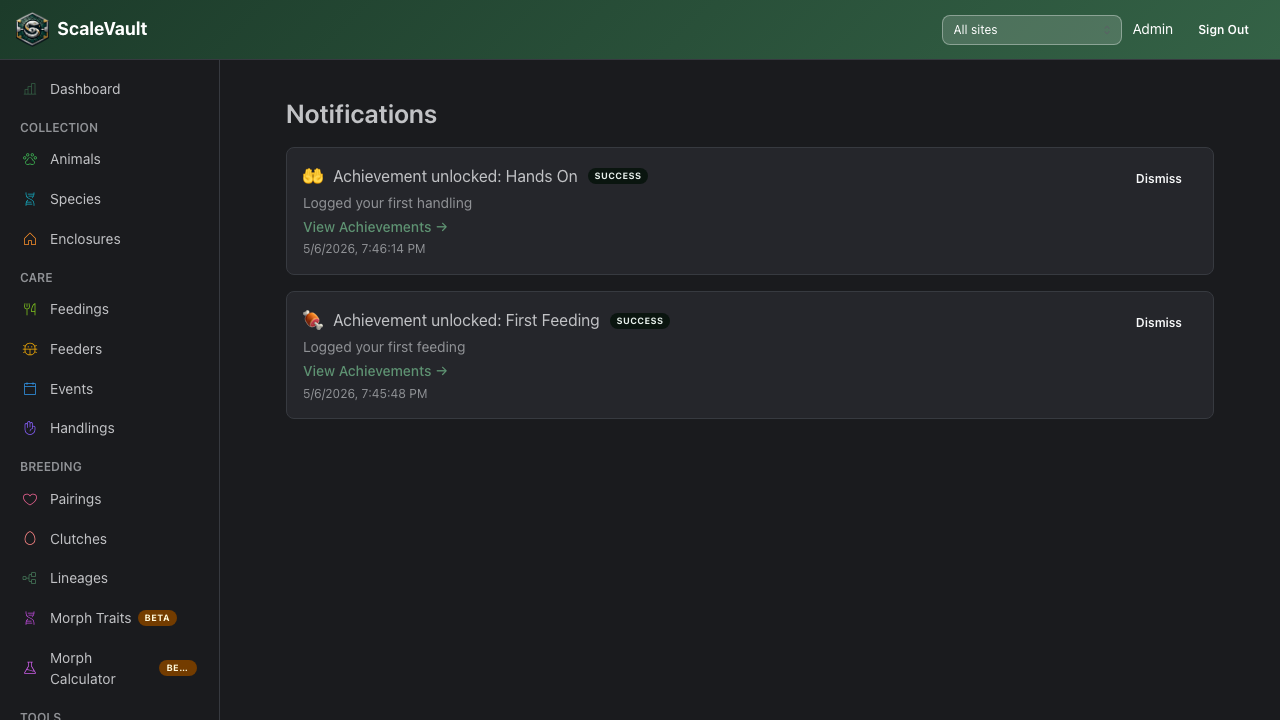
Notifications inbox
Notifications in the main navigation shows system messages sent to your account — things like plan/billing updates, achievement unlocks, and other account-level announcements. Unread items are badge-counted; click one to mark it read, or Mark all read / dismiss individual entries to clean up the list.
Getting support
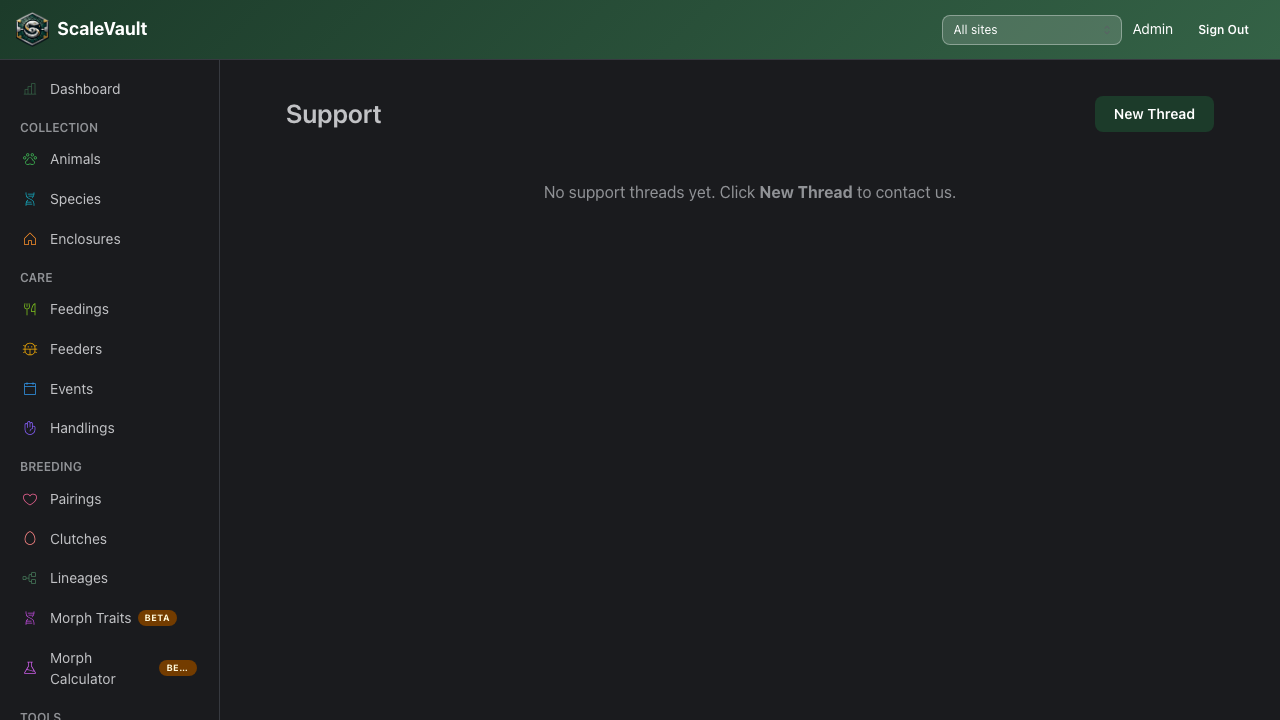
Go to Support to open a ticket. Give it a subject and a message; replies show up as a threaded conversation in the same place, and you'll see a notification when the team responds.
Email delivery
Outbound transactional email (verification, password reset, member invites) is sent by ScaleVault directly — there's nothing to configure on your end. If a verification or invite email doesn't arrive, see Email delivery troubleshooting.