
Privacy & data export
What ScaleVault stores, how to export it, and how to delete your account.
Privacy & data export
ScaleVault is built to be a record of your animals. Your data is yours — leave whenever you want, with everything in hand.
What we store
- Account info: email, username, password hash (argon2), session records.
- App data: everything you create — animals, enclosures, species, feedings, weights, sheds, events, photos, files, lineages.
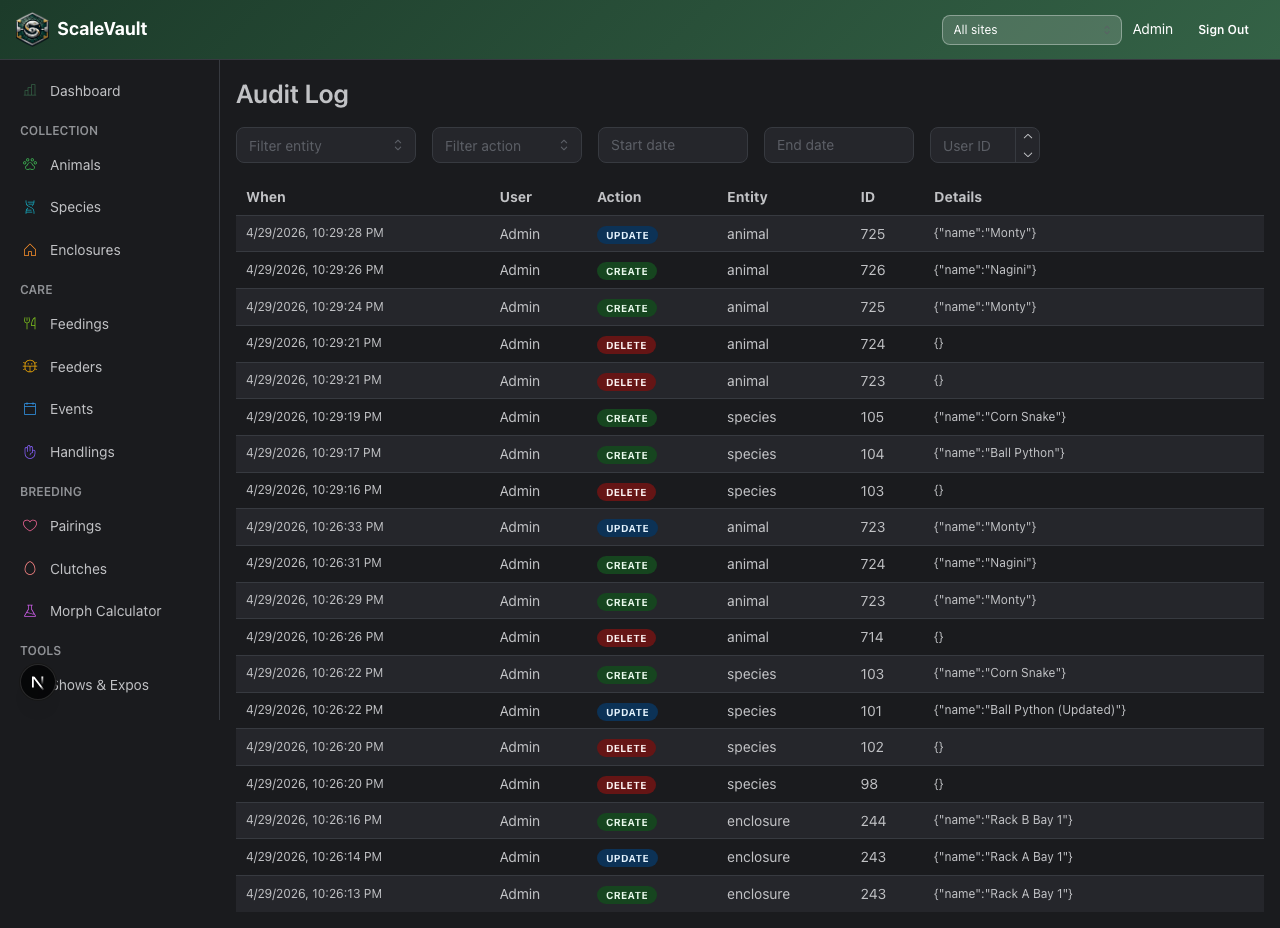
- Audit log: who changed what and when, for the past 12 months.
- Server logs: HTTP request logs (no body content) retained 30 days for debugging.
What we don't do
- We don't sell or share your data.
- We don't ad-target.
- We don't run third-party tracking pixels in the authed app
(
PostHoganalytics is opt-in).
Exporting
Owners can go to Account → Data Export and click Download Full Account Export (JSON) to get a single JSON file with every record in the account (animals, feedings, weights, breeding, events, settings, and so on). Use it as a backup or a migration off ScaleVault. This export doesn't include your uploaded photos and files — download those separately from wherever you view them.
CSV per entity is also available individually from each list page — see CSV import/export.
Deleting your account
There's no self-service delete button yet. Email support@scalevault.app to request deletion. We process requests within 7–14 business days and send an email confirmation once it's done. Deleting your account:
- Permanently removes your records (subscriptions aren't refunded for the remainder of the current billing period).
- Removes you from any other accounts you're a member of.
Audit log entries you authored on other accounts remain attributed to your username. Everything else is gone.