
QR codes & quick actions
Print-once codes for one-tap feedings, cleanings, water checks, and handling.
QR codes & quick actions
ScaleVault prints QR codes you can stick to enclosures and animal labels. Scan one with any phone camera and you're taken straight to a prefilled action form. No login required (by default — see QR auth).
Generating QR codes, public profiles, and quick-action links requires the Juvenile plan or above — it isn't available on Hatchling. See Billing & plans.
Where to find them
- Per animal — animal detail page → QR tab. Each animal has codes for Feed and Handle.
- Per enclosure — enclosure detail page → QR tab. Each enclosure has codes for Feed enclosure, Clean, and Water check.
- QR Codes page — at
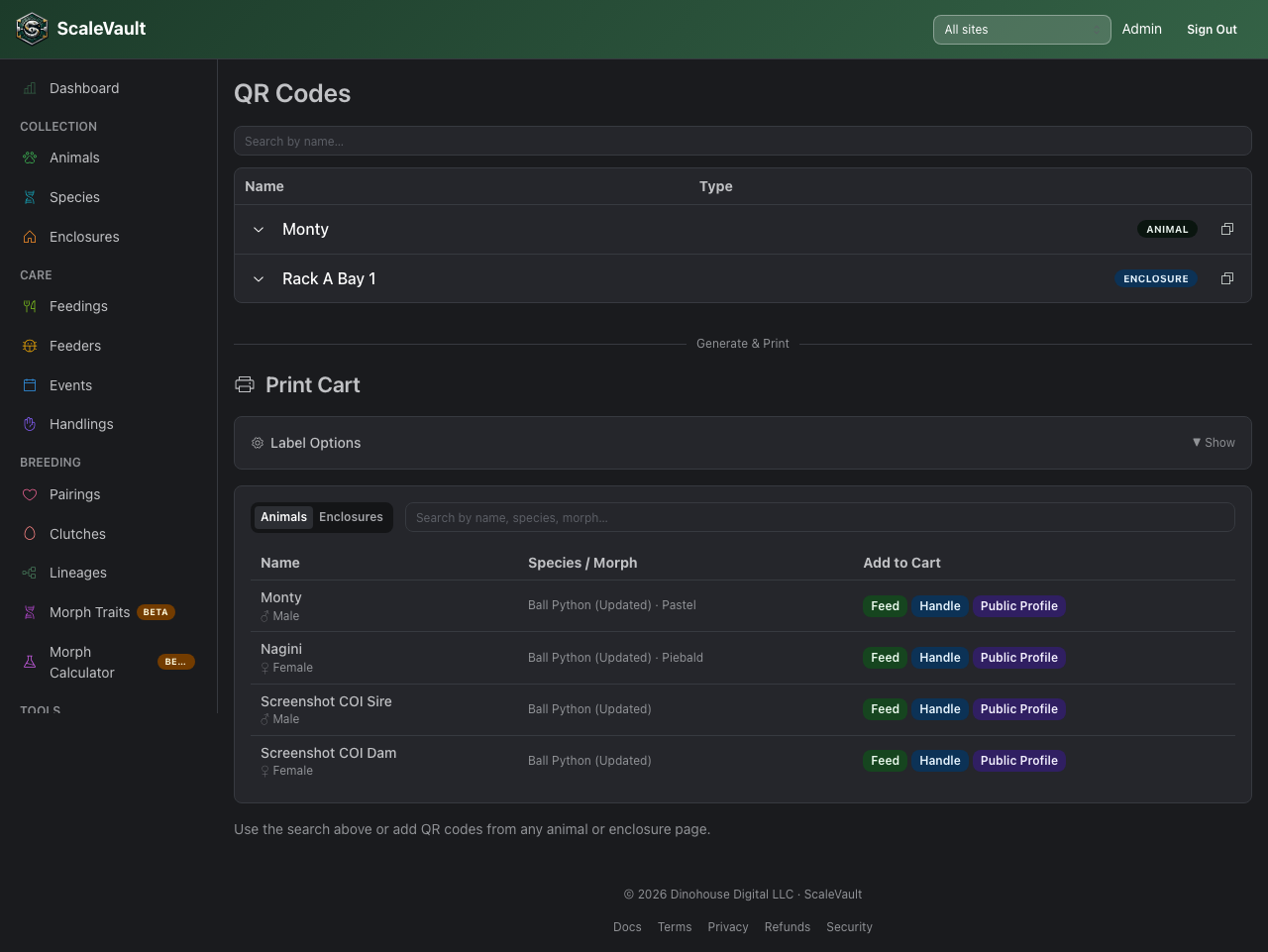
/qr-codes. Lists every animal and enclosure that currently has an active QR code or public profile link, with tools to copy, manage access, or revoke each one. This page is available on every plan (including Hatchling) so you can always review and revoke links created before a downgrade — only generating new codes requires Juvenile or above. Below that list, a Generate & Print section (Juvenile+) lets you add several animals or enclosures to a cart and print a sheet of labels in one go.
How they work
Each QR encodes a URL like:
https://yourapp.example.com/quick/feed/<animalId>?accountId=<id>&sig=<hmac>
The sig is an HMAC of the action + animal id + account id, so the
URL can't be tampered with — changing the animal id invalidates the
signature and the page refuses to load.
This means you can hand a printed sheet to a contractor or feeder without giving them a login and they can only do exactly what you printed.
QR authentication
By default, scanning a QR works without logging in — that's the whole point. For higher-stakes actions you can require a login at the account level or override it for individual animals and enclosures.
Account-level defaults
Go to Account → QR & quick actions → toggle on the actions that should require auth across the whole account:
- ☐ Require login for Feed
- ☐ Require login for Handle
- ☐ Require login for Clean
- ☐ Require login for Water check
- ☐ Require login for Enclosure feed
Recommended setup for a multi-staff facility: leave Feed and Handle open, require login for Clean and Water check.
Per-animal / per-enclosure overrides
You can override the account default for any individual animal or enclosure. Open the animal or enclosure detail page and find the QR & share settings panel (visible to admins and owners).
- Use account default — inherits whatever the account-level setting says.
- Override: require login — this animal/enclosure always requires a login, regardless of the account default.
- Override: allow without login — this animal/enclosure is always open, even if the account default requires auth.
This is useful when most of your collection is staff-only but you want one enclosure's QR to be scannable by volunteers without an account.
Printing
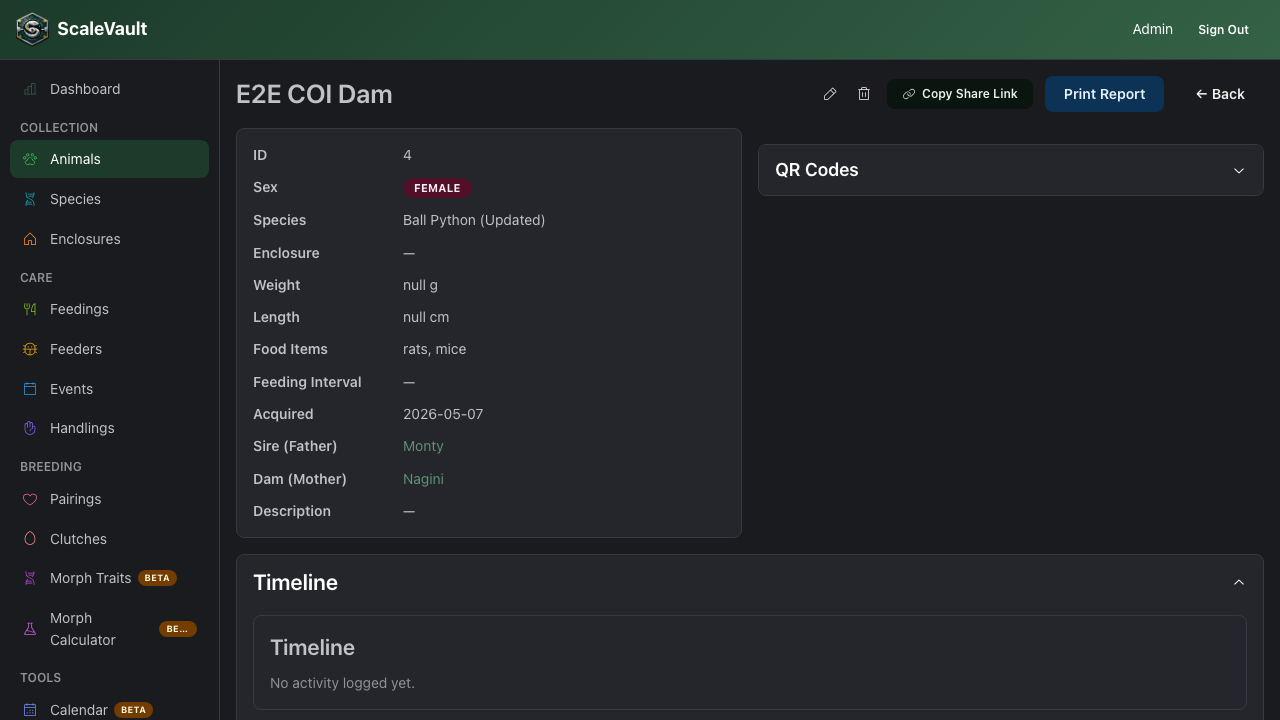
The QR detail dialog shows the code at print size. Browser print (Ctrl/⌘ + P) → adjust margins → print to a label printer, or save as PDF and import into your label software.