
← All docs
Shows & expos
Plan reptile shows and expos with packing lists of animals to bring.
Features
Needs connection
breeder
Shows & expos
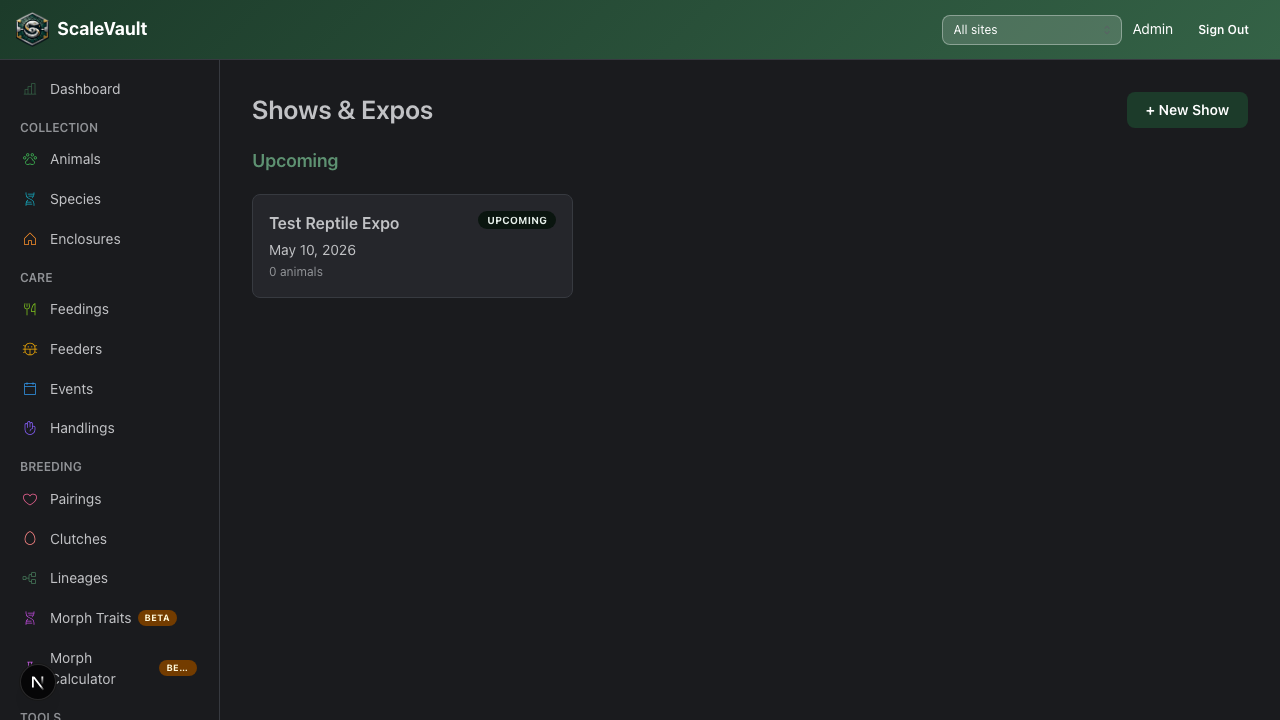
Available on Adult and above. Go to Shows in the main navigation.
Shows & expos helps you plan events — reptile shows, expos, pop-ups, or private sales — and build a packing list of animals to bring.
Creating a show
Click + New Show and enter:
| Field | Details |
|---|---|
| Show Name | Event name (e.g., "Daytona Reptile Breeders' Expo") |
| Date | A single show date |
| Venue / Location | Venue name or address |
| Notes | Table number, setup info, etc. |
Building a packing list
From the show detail page, click + Add Animals to search your collection and add animals to the show's packing list (animals that have departed or died can't be added). Each row on the list shows the animal's name, species, sex, morph, and a per-animal notes field you can use for anything worth flagging (health checks, cage requirements, pricing).
Printing
- Print Packing List opens your browser's print dialog with a checklist-style table (name, species, sex/morph, notes, and a checkbox column) — handy for physically ticking off animals as you load them.
- Print Animal Reports (shown once the show has animals) opens the Show Animal Care Packet — a full per-animal care summary report for everyone on the list. See Printable reports.
During and after the show
- Remove animals from the list if plans change before the event, or if they've already sold.
- Use the notes field to record what sold, prices achieved, or follow-up contacts.
- If you're selling animals to buyers who use ScaleVault, the Animal Care Packet report can also unlock buyer transfer claim links for the whole show at once — see Animal transfers.
Tips
- Build the packing list a week ahead of the show so you have time to confirm health checks.
- Past shows stay in your Shows list as a history of which animals went to which events — delete a show from its detail page only if you don't want to keep that record.