
Sites
Multiple buildings, scoped access, per-site enclosures.
Sites
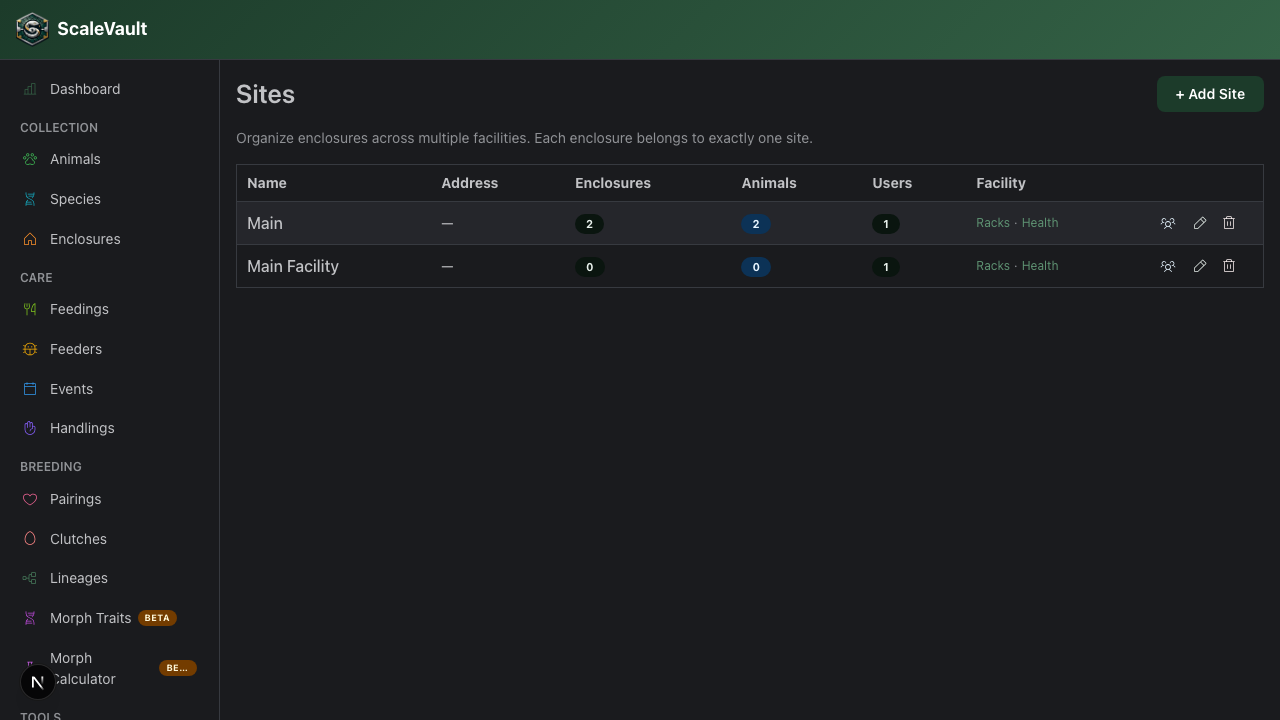
A site is a logical grouping of enclosures — usually a physical building or room. Multi-site is an Apex plan feature (self-serve, includes up to 3 sites — see Billing & plans).
What sites buy you
- Group enclosures by building.
- Limit member visibility to specific sites.
- Filter dashboards by site.
- Print site-specific QR sheets.
- Visual rack occupancy maps — see at a glance which rack cells are occupied.
- Site Health dashboard — health score, feed compliance %, hatch rate, mortality rate, average days since shed, species breakdown, and member activity.
- Inter-site animal transfers with chain-of-custody logging.
Setup
/sites → + Add site. Each site has a name and an
optional address.
Set an enclosure's site under the enclosure form. Existing enclosures default to your first ("Main") site.
Rack maps
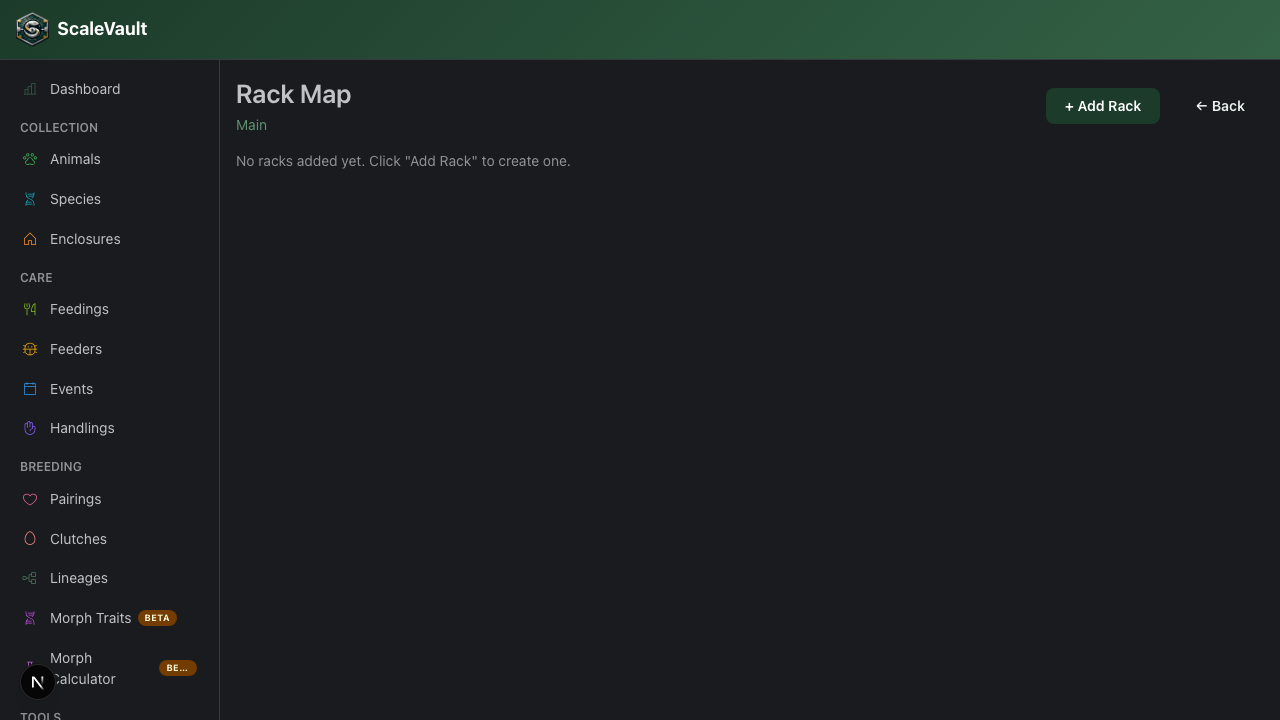
Each site has a Racks view (/sites/[id]/racks) where you can:
- Add named racks with a configurable number of rows and columns.
- Click any cell to assign an animal or clear it.
- See animal avatar thumbnails directly in the grid.
Site Health
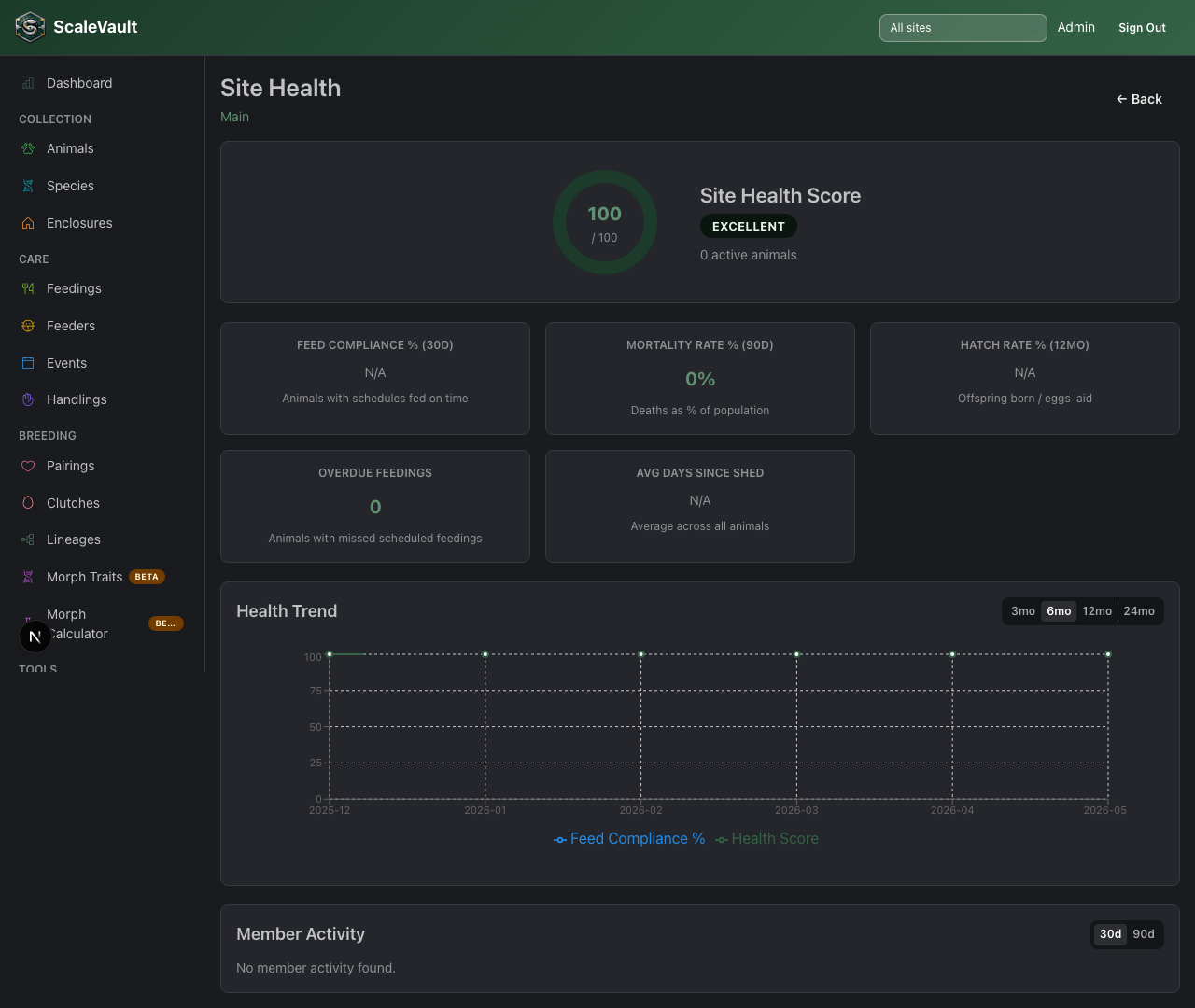
The Health view (/sites/[id]/health) shows an overall Health Score
plus these aggregated metrics:
| Metric | Description |
|---|---|
| Feed compliance | % of animals fed on schedule in the last 30 days |
| Mortality rate | Deaths / total animals over the last 90 days |
| Hatch rate | Offspring hatched / eggs laid over the last 12 months |
| Avg days since shed | Average across all animals at the site |
Below that, a Species Breakdown chart shows animal counts by species, and a Health Trend line chart (switchable between 3, 6, 12, and 24 months) plots the health score and feed compliance over time so you can spot seasonality and track improvements.
Tips
- One site per physical location is the most common pattern.
- For a single building with strict separation (e.g. a quarantine room), a logical "Quarantine" site works well.
- Don't over-fragment — each site adds management overhead.