
← All docs
To-do tasks
Create and assign tasks with due dates for animals, enclosures, or general use.
Features
Needs connection
breeder
multi-site
To-do tasks
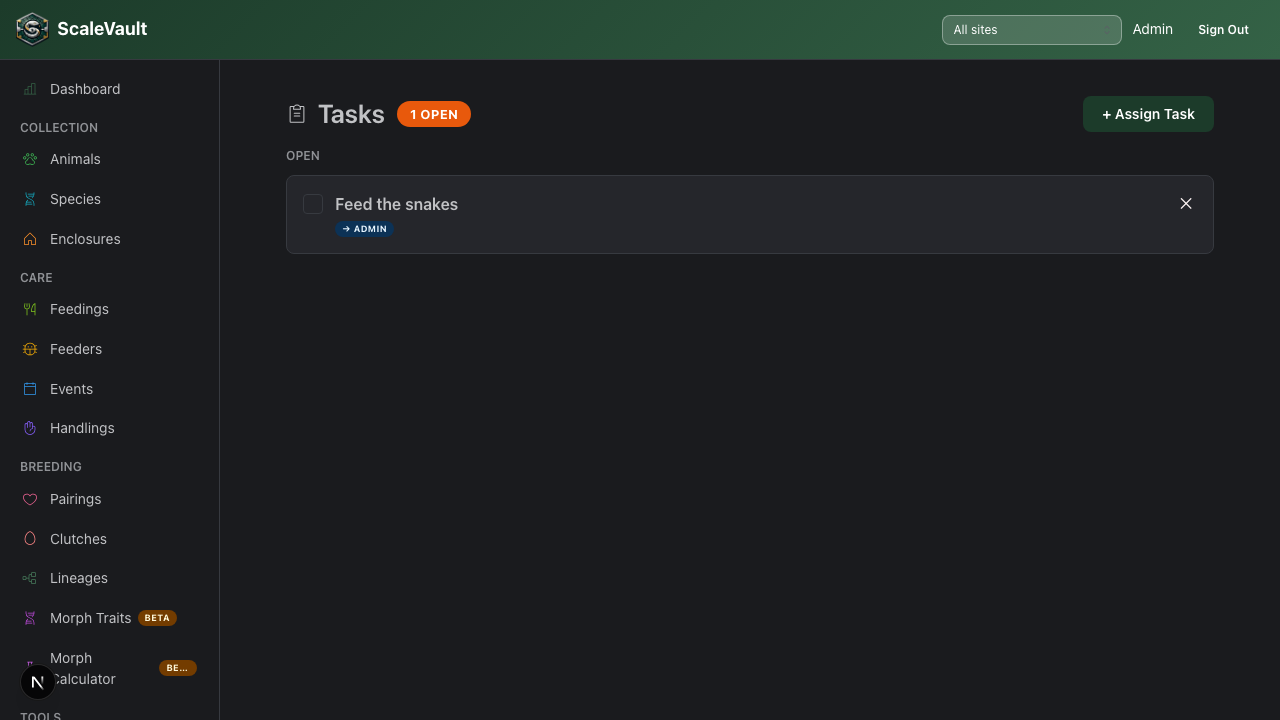
Available on Juvenile plan and above for your own personal to-do list. Access from Tasks in the main navigation, or from an animal's or enclosure's detail page.
Assigning a task to a teammate instead of yourself requires an admin or owner role plus the Colony plan and above — the same "Tasks & Messaging" feature that unlocks in-app messages between team members. Below Colony, the assignee field is ignored and new tasks are always self-assigned.
Creating a task
Click + New task and fill in:
| Field | Details |
|---|---|
| Title | Short description of the work (e.g., "Clean quarantine tub") |
| Due date | Optional deadline — overdue tasks are highlighted |
| Animal | Optional — links the task to a specific animal |
| Enclosure | Optional — links the task to a specific enclosure |
| Assignee | Optional — assign to a team member (admin/owner + Colony plan; otherwise always self) |
| Notes | Any extra context or instructions |
Task list views
- All tasks — full list, filterable by status, assignee, and due date.
- My tasks — tasks assigned to the currently logged-in user.
- Animal / enclosure tasks — tasks appear on the relevant detail page so they're visible in context.
Completing tasks
Click the checkbox next to a task to mark it complete. Completed tasks are retained in history so you can review what was done and when.
Tips
- Use tasks for recurring work that isn't automatically generated (e.g., "Order more hides") alongside the scheduled events system.
- Assigning tasks to specific staff creates accountability and reduces the risk of missed care steps.