
Public profiles
Shareable pages for animals and enclosures.
Public profiles
Every animal and enclosure can have a public, shareable profile page you can send to buyers, visitors, or post on social media.
Generating new profile links (and QR codes generally) requires the Juvenile plan or above — it isn't available on Hatchling. See Billing & plans.
Generating a share link
On any animal or enclosure detail page click Share (or the share icon) to generate a unique link. The link uses a random token — it doesn't expose the internal ID:
- Animal share page:
/share/<token> - Enclosure share page:
/share/enclosure/<token>
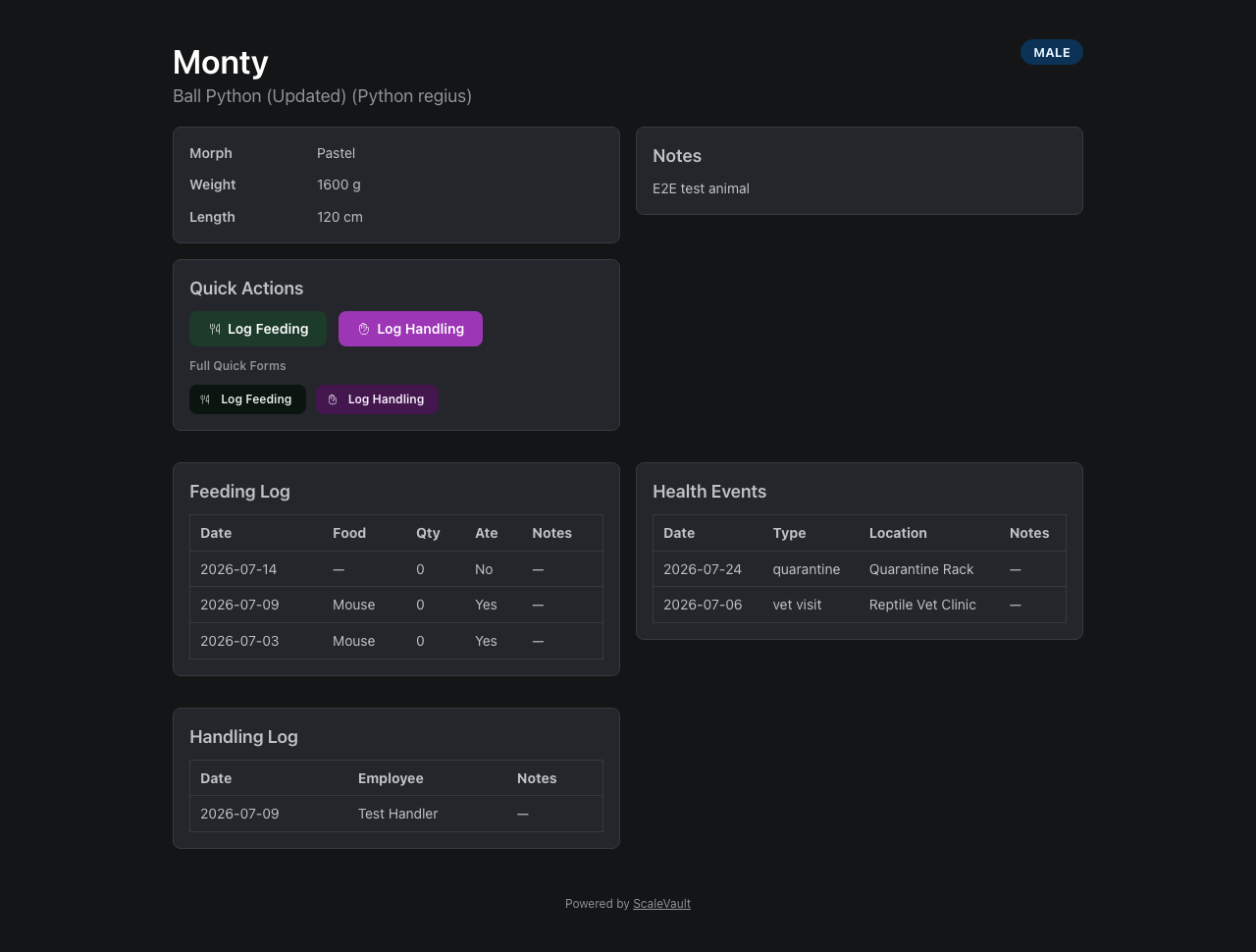
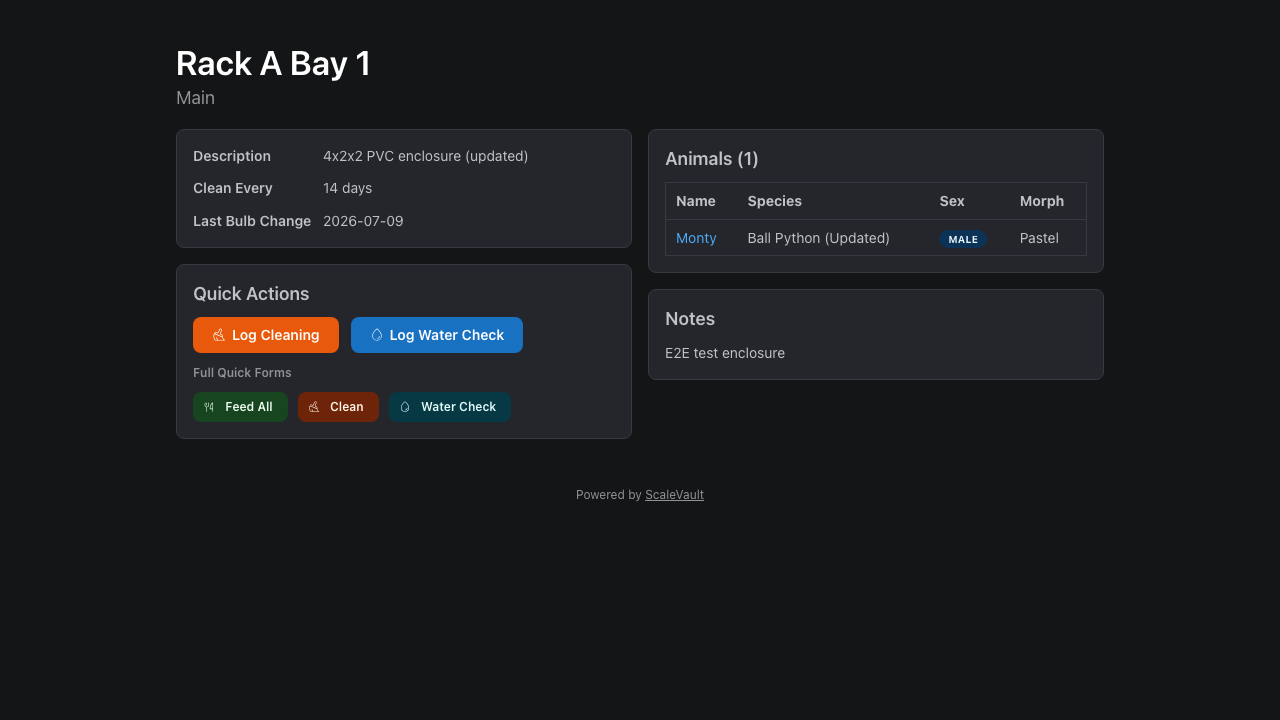
These pages show photos, basic info, and (for animals) lineage and morph if you've filled them in. Feeding logs, weights, and private notes are only visible to authenticated users with access to the account.
Authentication requirement
By default, share pages require a login — visitors who aren't signed in will be redirected to the login page. This keeps your collection private even if a link is shared accidentally.
Making a profile publicly accessible
You can remove the login requirement at two levels:
Account-wide — in Account → QR & share settings, turn off "Require login for share pages". All share pages for the account become public unless an individual override is set.
Per-animal / per-enclosure — open the animal or enclosure detail page, find the QR & share settings panel (admin/owner only), and set the share auth override:
- Use account default — inherits the account-wide setting.
- Public (no login required) — this profile is always accessible without a login, even if the account default requires auth.
- Private (require login) — this profile always requires a login, even if the account default is public.
Managing existing links
QR Codes in the main navigation lists every animal and enclosure that currently has an active share link, regardless of your current plan — useful if you've downgraded from a plan that included QR codes and want to review, copy, or revoke links created earlier. Generating new links from there still requires Juvenile or above.
Branding
- Hatchling / Juvenile / Adult / Colony: shows the ScaleVault footer.
- Apex: footer is removable; you can override the page header with your own logo and link.