
Welcome to ScaleVault
What ScaleVault is, who it's for, and where to start.
Welcome to ScaleVault
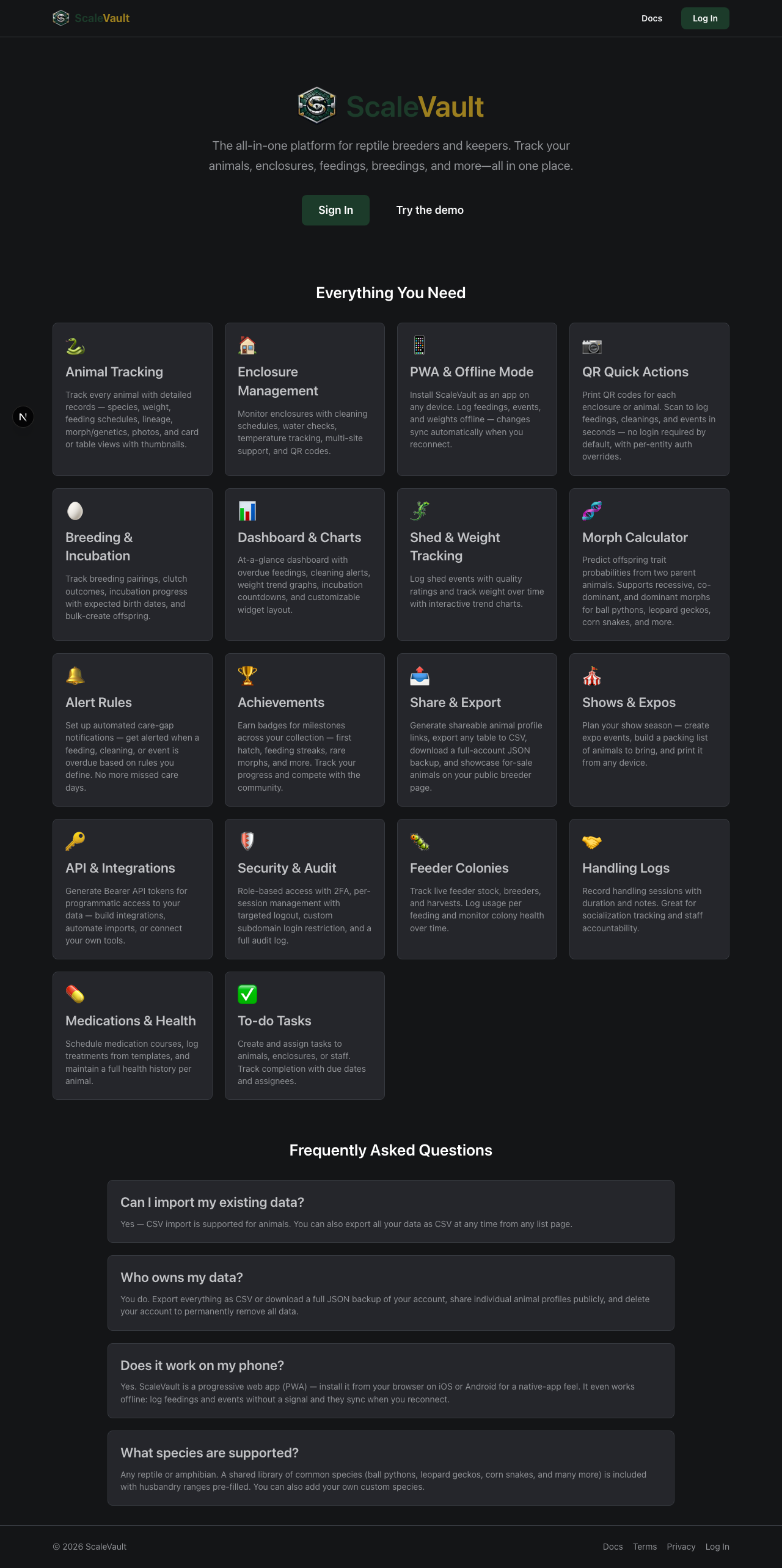
ScaleVault is a husbandry and breeding tracker for reptile keepers — from hobbyists with a single ball python to breeders managing hundreds of animals across multiple facilities. It runs in your browser and on your phone, and it can be installed as an app on your home screen for offline access. It includes printable QR codes so you can log feedings, cleanings, and handling sessions in seconds at the rack.
What you can track
- Animals — species, morph, sex, weight history, sheds, photos, custody events, and a complete activity timeline.
- Enclosures — sites and racks with temperature/humidity targets, cleaning logs, and water-check logs.
- Species — your own catalog plus a shared standard library of common herps with husbandry ranges.
- Feedings — what was offered, what was eaten, when, and by whom.
- Pairings & Clutches — breeding pairings, egg/birth dates, survival rates, hatchlings, and lineage. (Adult plan and above)
- Lineage & COI — automatically calculated coefficient of inbreeding with a visual lineage tree. (Colony plan and above)
- Morph Calculator — predict offspring trait probabilities from two parent animals. Supports recessive, co-dominant, and dominant morphs. (Colony plan and above)
- Alert Rules — automated care-gap notifications for overdue feedings, weight drops, missed medications, overdue sheds, and enclosure temperature/humidity. (Colony plan and above)
- Achievements — earn badges for milestones across your collection.
- QR Codes — one-tap quick actions printable to labels, plus public animal profiles. (Juvenile plan and above)
- Feeder colonies & inventory — stock levels for feeders you breed or buy, automatic deduction when you log a feeding, breeders, pairings, and event logs. (Adult plan and above)
- Handling logs — session duration, handler, and notes per animal. (Juvenile plan and above)
- Medications — treatment schedules, templates, and administration logs.
- To-do tasks — due dates for animals, enclosures, or general use. (Juvenile plan and above; assigning tasks to teammates is Colony and above)
- Shows & expos — event planning with packing lists of animals to bring. (Adult plan and above)
- Offline mode — install as a PWA and view cached data or log feedings, events, handlings, sheds, and weight logs with no internet connection.
- Mobile navigation — a bottom tab bar on phones gives one-tap access to two customizable shortcuts (Animals and Enclosures by default) plus a full section drawer for everything else.
Pick your starting point
- I'm a hobbyist with one or two animals — the lean five-step setup.
- I'm a breeder — pairings, clutches, and lineage workflow from scratch.
- I run a facility / multi-site operation — invite staff, split into sites, and lock down by role.
How the docs are organized
Articles are grouped by section in the sidebar. Each one is short and task-focused — they answer a single "how do I…?" question. The personas above link to the small handful of articles that matter for that keeper type.
Tip: while signed in, the same docs are reachable at
/helpso you can read them without leaving the app.
If you spend most of your time in list pages, see Sorting and filtering tables for a quick guide to sortable headers, typed filters, and card-view sorting.