
First-time setup (5 steps)
From signup to your first feeding log in under ten minutes.
First-time setup
This is the shortest path from signup to a usable account. It works for any keeper type — breeders and facility operators just keep going after step 5.
1. Create your account
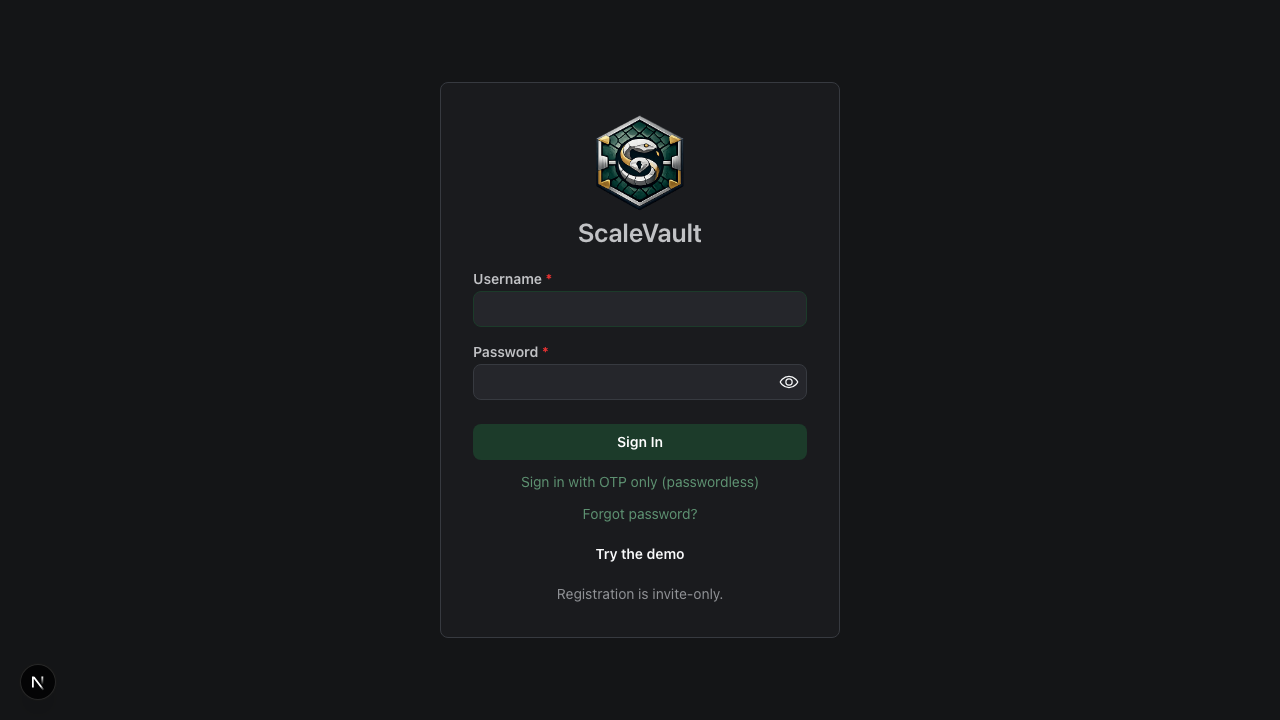
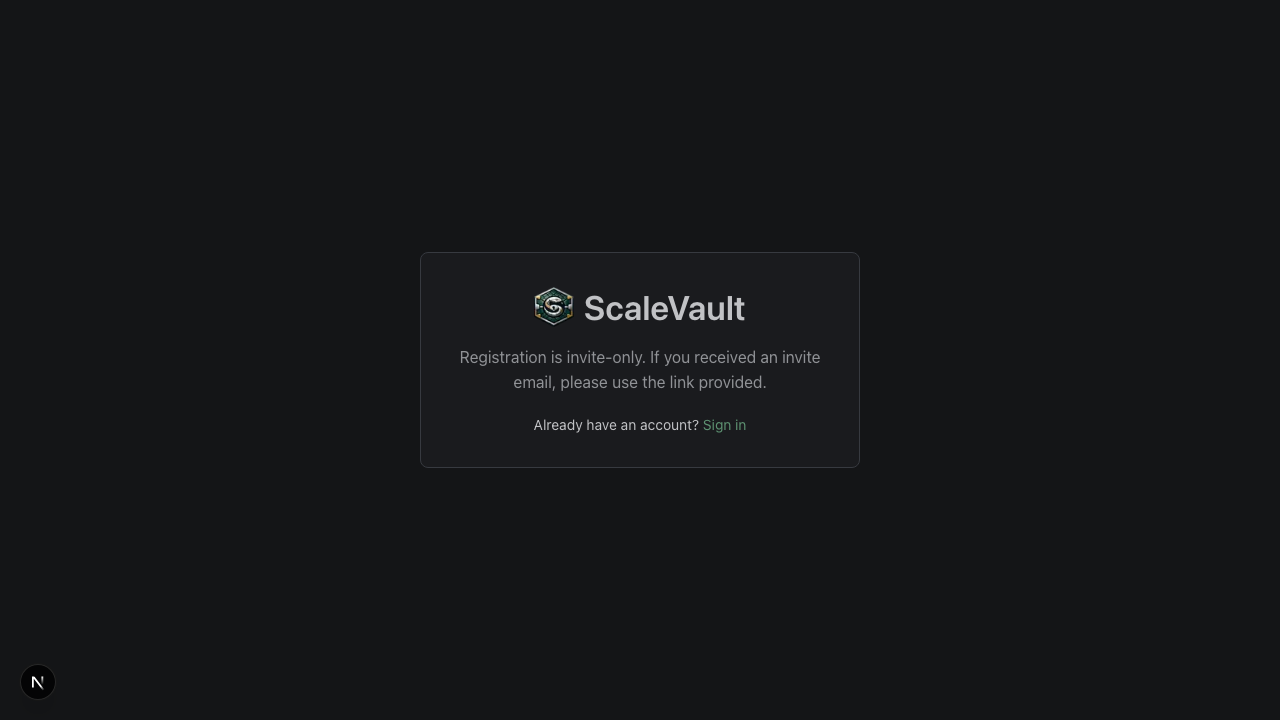
Go to /register and pick a username, email, and password.
You'll get a verification email; click the link before logging in. (If
you don't see it, check spam — see Email delivery.)
2. Add a species
Go to /species → Standard library → search for your
species and click Add to my collection. The husbandry ranges (temps,
humidity, incubation) come along with it. You can edit any value.
If your species isn't in the library, click + Add species and fill in what you know.
Hobbyist tip: you only need one species entry per kind of animal you keep, even if you have several individuals.
3. Create an enclosure
Go to /enclosures → + Add enclosure. Give it a
location ("Rack 1, Shelf 3" or "Living room tank") and link it to a
species. Set the substrate, dimensions, and target temps if you want;
all are optional.
4. Add an animal
Go to /animals → + Add animal. Pick the species and
enclosure you just made. Required fields are minimal — name, species,
sex (or unknown). Add weight, length, hatch date, and a photo if you
have them.
5. Log your first feeding
From the animal's detail page, click the 🍽️ Feed button. The form defaults to today's date and the species' first food item. Hit save — you're done. The feeding shows in the animal timeline immediately.
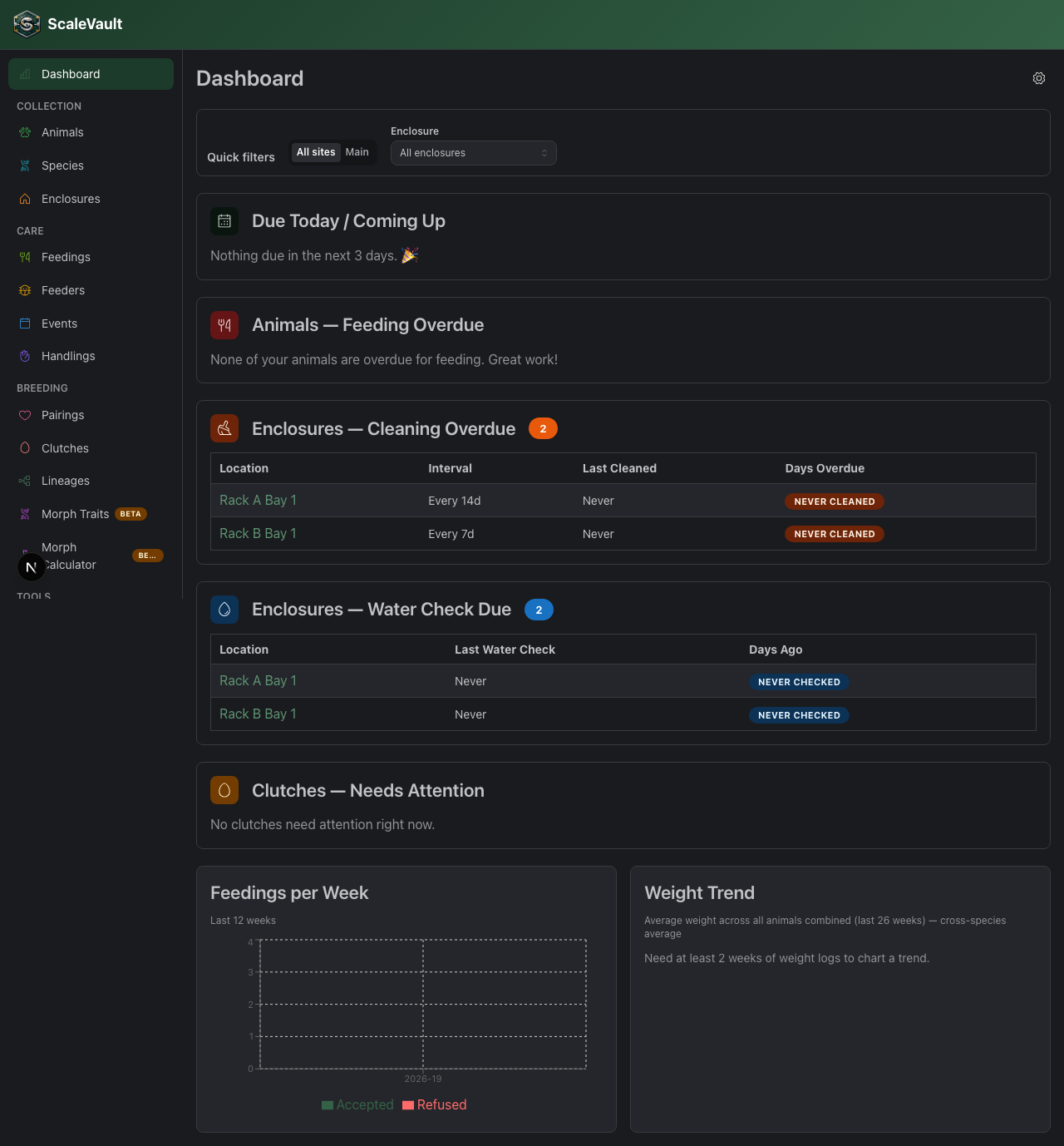
What's next
- Print a QR code — see QR codes & quick actions.
- Add more animals at once — see Bulk import (CSV).
- Invite a teammate — see Members & roles.
- Start a breeding season — see Pairings & clutches.
- Find records faster — see Sorting and filtering tables.
- Install on your phone — see Offline mode & PWA install to add ScaleVault to your home screen and keep logging when you're away from Wi-Fi.
On mobile
On phones and tablets, ScaleVault shows a bottom navigation bar instead of a sidebar: two configurable shortcut tabs (Animals and Enclosures by default) plus More, which opens a full drawer with every other section (species, feedings, clutches, medications, tasks, settings, and more). Pick which two sections get shortcut tabs under Account → Mobile Navigation.